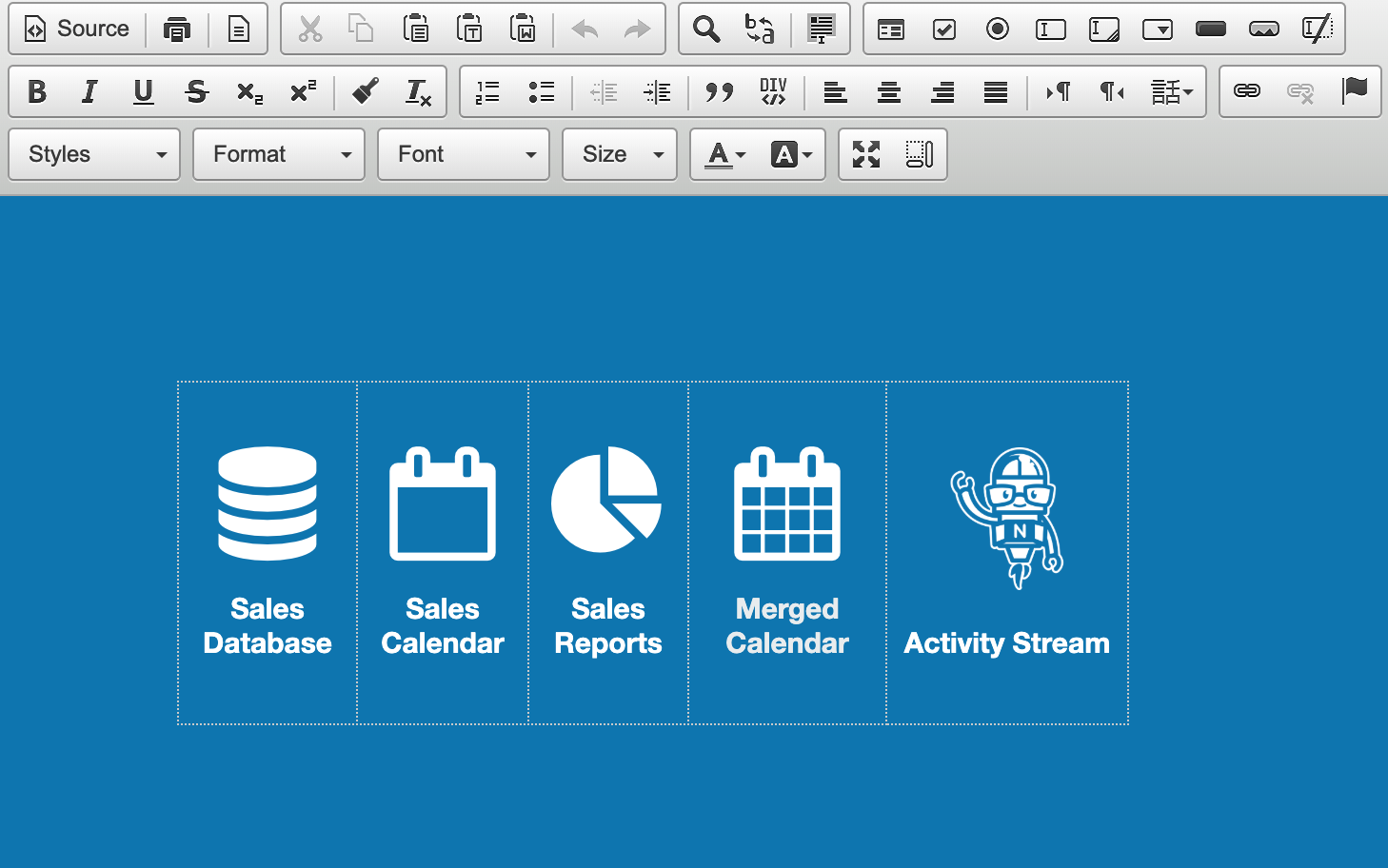
Creating Links in Noodle’s Intra Editor [Video]
The intra editor is the tool you use to create pages, wikis, blog posts, and other content within Noodle intranet.
Watch this video to have an overview of the intra editor, and to learn how to create different kinds of links: external website; anchor in text; email; and internal links within the intranet.
If you don’t have Noodle intranet software yet, click the button below to start your free, fully-functional 30-day trial (no credit card required):

Got questions about Noodle? Post them below.


Tim Dorey is the founder and president of Vialect. He has spent over 10 years consulting on Intranet projects for companies like Johnson and Johnson, Coldwell Banker, United Nations and the University of Maryland.
[...] Links in Noodle Intranet’s Intra Editor – Vialect.com Image by Noodle Intranet Noodle intranet software has its own page editor, known as the intra editor. It’s very similar to word processing software, which means you probably already know how to use it. Click here to watch a video showing how to create different types of links using the intra editor. [...]
More Info…
[...]listed below are a handful of url links to websites which I connect to since we believe they are worthy of browsing[...]…
[...] Links in Noodle Intranet’s Intra Editor – Vialect.com Image by Noodle Intranet Noodle intranet application has its own web page editor, acknowledged as the intra editor. It is extremely similar to word processing computer software, which indicates you almost certainly currently know how to use it. Click here to view a video exhibiting how to develop various sorts of links utilizing the intra edit… [...]